What Lorem Ipsum Generator does, and when you need it
Lorem Ipsum Generator makes placeholder text: Latin-looking paragraphs, sentences or words to fill a design before the real words are written. Choose how many paragraphs, sentences or words, from 1 to 1,000, tick whether it should start with the familiar "Lorem ipsum dolor sit amet", and press Generate. It is made in your browser, with nothing uploaded and no sign-up, ready to copy or download as a text file.
People use it when:
- A designer lays out a website, a poster or a brochure before the client sends the text.
- A developer fills a page to test how it behaves with long and short content.
- A student mocks up a project report's layout, or a presentation slide.
- Someone tests a template, such as a resume, a newsletter or a blog theme, at a realistic length.
To count the words of real text, Word Counter does it as you type.
How it works
The page builds text from a list of 74 Latin words, the classic lorem ipsum vocabulary, chosen at random with your browser's secure random source:
- Words: exactly the number you ask for, separated by spaces.
- Sentences: each 6 to 15 words, starting with a capital and ending with a full stop, with a comma in the longer ones.
- Paragraphs: each 4 to 7 sentences, with a blank line between paragraphs.
With Start with "Lorem ipsum dolor sit amet" ticked, the text opens with those five words, as designers expect to see. Under the result, the page counts the words and characters it made.
Real results from our tests
We ran the page's own code (web/js/gen-core.js) in Node.js on a Windows 11 laptop on 31 October 2026, and counted what it made.
| Asked for | What came out |
|---|---|
| 100 words, classic start | Exactly 100 words, starting "lorem ipsum dolor sit amet" |
| 5 sentences | 5 sentences, each with a capital and a full stop |
| 3 paragraphs | 3 paragraphs of 58, 86 and 41 words |
What the numbers mean: word counts are exact, so a design that needs "about 50 words" can be filled with exactly 50; paragraphs vary in length on purpose, like real writing, so a layout is tested with short and long ones.
On a first visit the page downloads about 0.1 MB for the tool: the page, its styles, its scripts and the fonts, with Google's ad code not counted.
Step by step
- Choose Make: Paragraphs, Sentences or Words.
- Type How many, from 1 to 1,000.
- Leave Start with "Lorem ipsum dolor sit amet" ticked for the classic opening, or untick it for text that starts anywhere.
- Press Generate, then Copy, or download lorem-ipsum.txt. Press again for different text of the same length.

Where lorem ipsum comes from
Lorem ipsum's words come from a Latin book on ethics by Cicero, De finibus bonorum et malorum (On the ends of good and evil), written in 45 BC. A passage there begins "Neque porro quisquam est, qui dolorem ipsum quia dolor sit amet", roughly "nor is there anyone who loves pain itself because it is pain". Lorem ipsum cuts and scrambles such words until they mean nothing: "lorem" isn't even a Latin word, but the tail of "dolorem".
It spread as filler on Letraset's dry-transfer lettering sheets in the 1960s, and then in desktop publishing software, which is how it reached every designer. Stories that printers used it in the 1500s are repeated widely, but no printed examples from then have been found.
How much text to use
Placeholder text works best at the length the real text will have. Some rough sizes:
| Part of a design | Usual length |
|---|---|
| A headline | 5 to 10 words |
| A button or a menu item | 1 to 3 words |
| A product name | 2 to 6 words |
| A phone notification | 10 to 15 words |
| A product card's description | 15 to 30 words |
| A blog post's introduction | 40 to 80 words, one paragraph |
| A full blog post | 800 words or more, 10 to 20 paragraphs |
Test the extremes too: the longest product name and the shortest description the real content will have, so the layout doesn't break when they arrive.
Character limits: how many words fit
Many boxes count characters, not words, and spaces count too. We generated 100,000 words with the page's own code: they average 5.8 letters, or 6.8 characters each with the space after them. Then we filled common limits with generated words 2,000 times each:
| Limit | Words that fit, usually | Range we saw |
|---|---|---|
| About 60 characters: a page title in search results | 8 | 6 to 10 |
| About 160 characters: a search result's description | 23 | 19 to 25 |
| 280 characters: a post on X | 40 | 36 to 43 |
| 2,200 characters: an Instagram caption | 325 | 310 to 335 |
A generated sentence averages 73 characters, and a paragraph 57 words, about 400 characters. The note under each result counts the words and characters, so you can add or drop a word until it fits; Character Counter checks any text, and Meta Tag Generator warns when a real title or description runs long.
What lorem ipsum never tests
The longest word in the page's 74-word list is "reprehenderit", 13 letters, and every word breaks neatly at a space. Real content is less polite. A web address, an email address, an order number, a GSTIN (15 characters with no space), a PAN (10) or an IFSC (11) can't break at a space, and a narrow card or table cell either overflows or squeezes them. Prices written the Indian way, such as ₹1,49,999, and names in capitals are wider than they look.
So add one long unbroken string to each narrow box before you sign off a design. In a web page, the CSS rule overflow-wrap: anywhere lets such strings break instead of spilling out of their box.
Fake names, numbers and emails
Designs need more than paragraphs: a customer name, a phone number, an email address. Never use a real person's details in a mock-up that might be shared, not even your own:
- Email: use addresses at example.com, such as asha@example.com. The domain is reserved for examples, so mail to it never reaches a real inbox.
- Phone numbers: India has no number range set aside for examples, so use an obviously fake pattern such as 98XXX XXXXX, never a number that could ring someone.
- Names: mix a very short one with a very long one, such as "Om Rao" and "Venkata Lakshmi Narasimha Chalasani", to see both fit.
- IDs: for record IDs that must never clash, use real version 4 UUIDs from UUID Generator instead of made-up ones.
When real words are better
Lorem ipsum hides one thing a design must face: what the words will actually say. A layout that looks perfect with neat Latin paragraphs can fall apart with a long headline, a price with ₹ and commas, or a product name that won't wrap. Where you can, use real or realistic text: a draft of the actual words, an old article, or a sample of the client's own writing. Many designers start with lorem ipsum for the overall shape and switch to real words as soon as they have them. A good middle way is to write one honest sample of each short part, a real product name, a real price, a real button label, and keep lorem ipsum only for the long body text.
Layouts in Hindi and other scripts
Lorem ipsum is Latin letters only, so it can't test what Indian scripts need: Devanagari's headline bar and taller marks, Tamil's long words, the conjunct letters that need the right font, and line breaks that differ from English. For a design in Hindi, Marathi, Bengali, Tamil or any other script, fill it with real sample text in that script, such as a public notice or a news paragraph, and test the font, the line height and the wrapping with it. A layout tested only with lorem ipsum often clips the top of Devanagari letters.
Why designers still use it
Meaningless text has one real advantage: nobody reads it. Shown a mock-up full of real-sounding sentences, clients and colleagues start editing the words; shown lorem ipsum, they look at the spacing, the colours and the type, which is what the design stage is for. Because almost everyone in design and publishing knows lorem ipsum on sight, it also says plainly that the words aren't final, so a draft isn't mistaken for the finished piece. It has the rough rhythm of a European language, with words of mixed length and the occasional comma, so paragraphs look like paragraphs.
Joke versions built from food or film words are fun, and they show the same thing about a layout, but people read them and laugh, which brings back the one problem lorem ipsum solves.
Testing type and line length
Placeholder paragraphs are good for judging how text reads at a glance:
- Line length: body text is easiest to read at roughly 50 to 75 characters a line. Fill a column and count a line or two; if lines run much longer, narrow the column or enlarge the type.
- Size and spacing: compare the same paragraph at a few font sizes and line heights, on a phone as well as a computer.
- Justified or ragged: justified columns can open wide gaps between words in narrow columns; a few paragraphs show it at once.
- Long and short: generate a single sentence and five paragraphs, and check both sit well in the same box.
Slides and posters need far less text than pages: a slide usually carries a title of 5 to 8 words and three to five short lines, so generate Sentences and trim each to a line. For a poster, a menu or a wedding card, generate Words to the count the real text will have, and print a proof at full size: text that looks fine on screen can be too small on paper, which is why most body text in print is set between 9 and 12 point.
Lorem ipsum in Word, PowerPoint and code editors
- Word and PowerPoint: type =lorem() on its own line and press Enter for lorem ipsum, or =rand() for English sample sentences; =lorem(2,4) gives 2 paragraphs of 4 sentences.
- Google Docs has no built-in filler; paste text from here, or use an add-on.
- Code editors with Emmet, such as Visual Studio Code, expand "lorem" to about 30 words, and "lorem10" to 10, as you type HTML.
This page is handy when those aren't to hand, or when you want an exact word count, whole paragraphs, or a text file to share.
Leave room for other languages
A design filled with lorem ipsum fits English-length text at best. The same message can be noticeably longer or shorter in another language, and scripts differ in height and width, so a button that fits "Buy now" may not fit its translation. For anything that will appear in more than one language, test each language with real text, and give buttons and headings room to grow rather than fitting them to the placeholder exactly.
Where people use it
- Website and app design, in Figma, Canva or code.
- Print: brochures, menus, magazine pages and wedding cards before the text is final.
- Templates: resumes, reports and slides shown with sample text.
- Testing software: how a page, a form or a PDF handles long text.
- Teaching: computer classes practising page layout, without time spent writing the words.
Placeholder text in a web page
The page makes plain text, with a blank line between paragraphs. For HTML, put <p> before each paragraph and </p> after it: the blank lines show where each one ends. Match the amount to the element you are testing: a single word for a search box or a button, one sentence for a heading, a paragraph for a card, and 1,000 words in a text area to check that it scrolls rather than pushing the page apart.
Keep a test site out of search
A test copy of a website full of lorem ipsum shouldn't appear in search results. Two ways keep it out: a password on the whole test site, or a noindex rule, as a robots meta tag on every page or an X-Robots-Tag header from the server. A Disallow line in robots.txt stops search engines from reading the pages, but on its own it doesn't keep their addresses out of results: Google can still list a blocked address that other sites link to. Robots.txt Generator writes the file, and Meta Tag Generator the noindex tag.
Don't ship it by mistake
Placeholder text left on a live website looks careless to visitors, confuses screen readers, which try to read the Latin aloud, and gives search engines a page of meaningless words. Before launch, search the site, the code or the document for "lorem", "ipsum" and "dolor sit", and replace every match. On a printed piece, check the proof for the same words before it goes to the printer.
A worked example: a restaurant's new website
A designer builds a restaurant's website while the owner writes the menu descriptions. For the home page's welcome block, the designer generates one paragraph; for each of 24 dish cards, 20 words, exactly the length the owner said the descriptions would be. The layout is approved with the placeholders. When the real descriptions arrive, two are 45 words long, and because the cards were tested at 20, the designer sees the overflow at once, shortens the two with the owner, and searches the site for "lorem" before launch to catch any card left unfilled. Each dish page's search description was filled with 23 words, about 160 characters, so the snippet's length was tested too.
Private: made on your device
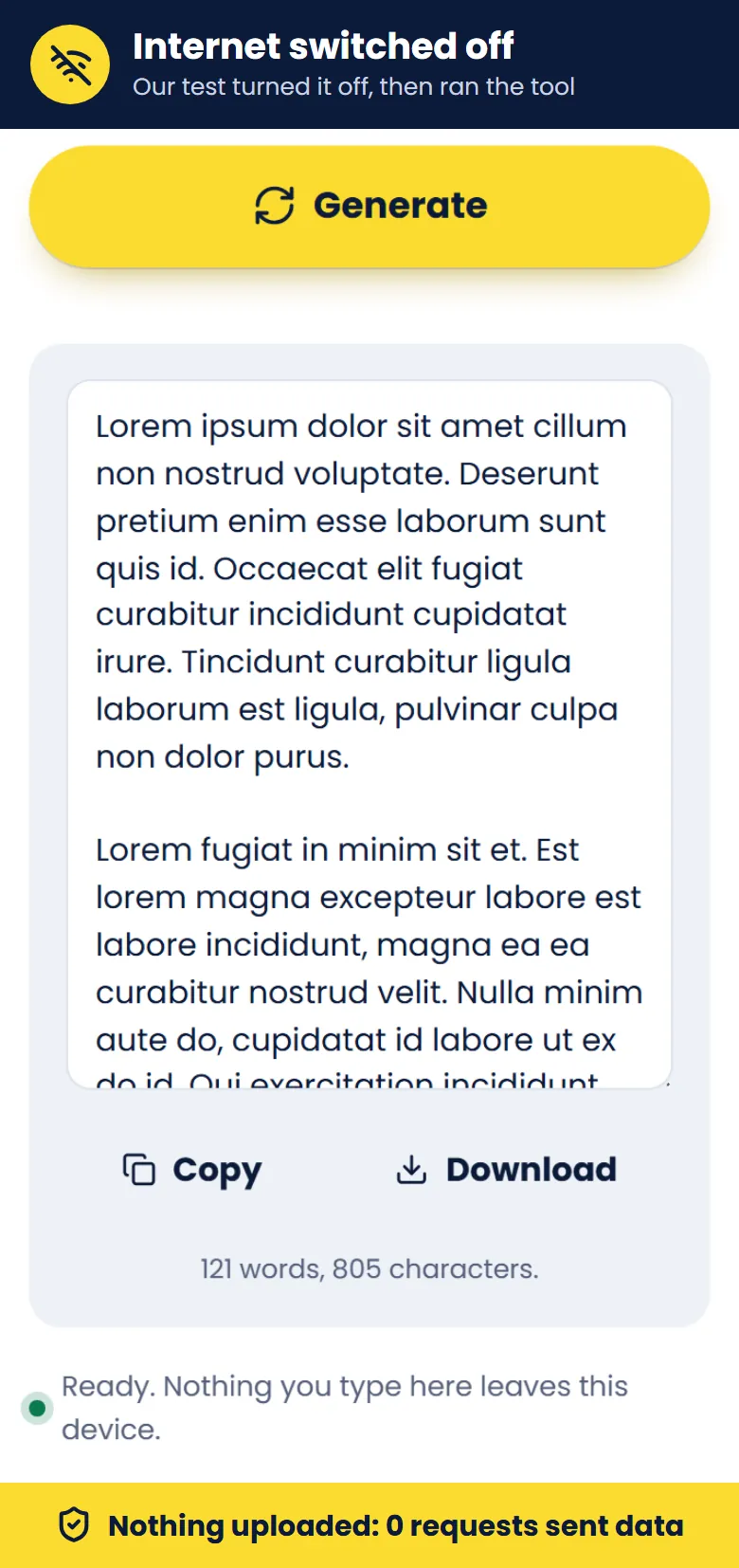
The text is made inside your browser; what you make is never sent to us or kept, and once loaded the page works with the internet switched off. Google's ad code runs on the page too, but our code never gives it what you make. How we prove it shows how anyone can check.
Problems and fixes
- The text doesn't start with "Lorem ipsum"
- Tick Start with "Lorem ipsum dolor sit amet".
- Paragraphs are different lengths
- That is on purpose, like real writing. For an exact length, choose Words.
- Pasting into Word lost the blank lines
- Paste as plain text, or download lorem-ipsum.txt and open it.
- I need Hindi placeholder text
- Lorem ipsum is Latin only; use real sample text in the script, as in Layouts in Hindi and other scripts.
- I need exactly 160 characters
- Choose Words and about 23, read the character count in the note under the result, and add or remove a word until it fits.
Limits
- Latin-style text only; no other languages or scripts.
- Up to 1,000 paragraphs, sentences or words at a time.
- Plain text: no headings, lists or HTML tags.
Other ways
Microsoft Word makes lorem ipsum when you type =lorem() and press Enter, and =lorem(3,5) makes 3 paragraphs of 5 sentences. Design tools such as Figma and Canva have plugins or built-in fillers. This page gives exact word counts, sentences or paragraphs, the classic opening when you want it, and a text file, in any browser.
Terms explained
- Lorem ipsum
- Scrambled Latin used as placeholder text in design.
- Placeholder text
- Filler that shows where words will go, before the real words exist.
- Mock-up
- A draft of a design, often filled with placeholders.
- Devanagari
- The script of Hindi, Marathi, Nepali and Sanskrit.
- Character limit
- The most characters a box or a platform accepts; spaces count.
- Staging site
- A private copy of a website for testing changes before they go live.