What QR Code Generator does, and when you need it
QR Code Generator turns a link, a piece of text, a Wi-Fi network, a contact card, a phone number, a text message, an email or a place on Google Maps into a QR code, in your browser. Nothing you type is uploaded, there is no sign-up, and there is no watermark. The code holds what you typed itself, not a short link through our site or anyone else's, so it never expires and nobody counts your scans.
People use it when:
- A shop or a stall wants customers to find it online: a code on the counter that opens the shop's page, its Google Maps place or its menu.
- Guests ask for the Wi-Fi password: a printed code lets their phones join without anyone spelling it out.
- A visiting card or a poster needs a code that saves a contact, opens a form or starts a call.
- Another site's code stopped working because a trial ended. A code made here holds the link itself and keeps working as long as the link does.
For payments, UPI QR Code Generator makes a code that opens any UPI app with your UPI ID filled in, and a card to print.
How it works
The page draws the code itself, following the QR code standard (ISO/IEC 18004), with an encoder we wrote and tested against other QR libraries. As you type, it:
- Picks the tightest way to write your text. Digits alone take the least room, capitals and digits a little more, and anything else is written as UTF-8 bytes, so Hindi, Tamil or emoji work too.
- Picks the smallest size that holds it. QR codes come in 40 sizes, called versions, from 21 by 21 squares to 177 by 177. A short link usually fits in version 2 or 3.
- Adds error correction: extra bytes, worked out with Reed-Solomon codes, that let a phone read the code even with part of it scratched or covered.
- Tries the standard's eight masks, patterns that break up large blocks of one colour, and keeps the one that scores best on the standard's rules, so cameras lock on quickly.
The code is drawn with a quiet zone, a white border four squares wide, which scanners need to find it. The PNG and SVG files are made by your browser on your device.
Real results from our tests
We made these codes with this page in Chromium 148, the open-source browser Google Chrome is built on, on a Windows 11 laptop, on 31 October 2026, saved each as a PNG, and had OpenCV's QR reader, which shares no code with the page, read every one back. The details are made up; none is anyone's real network or contact.
| What we made | Size of the code | Read back | What happened |
|---|---|---|---|
| A link of 39 characters, error correction Medium | Version 3: 29 × 29 squares | Exactly, as typed | The usual size for a short link |
| A tagged link of 134 characters | Version 8: 49 × 49 squares | Exactly | More to hold makes more, smaller squares |
| A Wi-Fi network, WPA, with symbols in the password | Version 3: 29 × 29 squares | Exactly: WIFI:T:WPA;S:Sharma Home;P:Monsoon#2026!;; | What a phone needs to offer to join |
| A contact card with five details | Version 9: 53 × 53 squares | Exactly: a vCard 3.0 of 167 characters | The densest code of our tests |
| A place on Google Maps | Version 5: 37 × 37 squares | Exactly: a Maps search link for the place | Opens the place in Maps |
| Hindi text of 24 characters | Version 4: 33 × 33 squares | Exactly, in Devanagari | Each Hindi letter takes 3 bytes, so short Hindi text needs a bigger code than English |
| Navy on cream | Version 2: 25 × 25 squares | Exactly | Dark on light with strong contrast reads like black on white |
| A link with a logo in the middle | Version 3: 29 × 29 squares, error correction High | Exactly | High error correction rebuilt the part the logo covers |
| A link at 2048 px | Version 3: 29 × 29 squares, error correction High | Exactly, from a PNG of 2035 × 2035 pixels | Each square a whole number of pixels, so a little under 2048 |
What the numbers mean: all 9 codes read back exactly as typed, Hindi, symbols and a logo included. Longer contents make bigger versions with smaller squares: the contact card's 167 characters needed 53 × 53 squares, against 29 × 29 for a short link, so it needs printing larger to scan from the same distance. Each PNG was saved 0.2 to 0.6 seconds after pressing Download.
On a first visit the page downloads about 0.1 MB for the tool: the page, its styles, its scripts and the fonts, with Google's ad code not counted.
Step by step
- Choose what the code opens in What it opens: a link or text, a Wi-Fi network, a contact card, a phone call, a text message, an email or a place on Google Maps.
- Fill in the boxes. The code appears as you type, with its version and size under it. Try an example fills them in for you.
- Choose the look, if you like: the code's colour, the background, a logo in the middle, the error correction and the picture size.
- Scan it with your own phone before you use it.
- Download PNG or SVG, or press Copy to copy what the code holds.

What a code can open
| Choose | The code holds | A phone that scans it |
|---|---|---|
| A link or text | The link or text as you typed it | Offers to open the link, or shows the text |
| A Wi-Fi network | WIFI: with the network's name, password and security | Offers to join the network |
| A contact card (vCard) | A vCard 3.0: name, mobile, email, company and website | Offers to add the contact |
| A phone call | tel: and the number | Offers to call it |
| A text message (SMS) | SMSTO: with the number and the message | Opens a text to that number, message typed |
| An email | mailto: with the address and the subject | Opens a new email |
| A place on Google Maps | A Google Maps search link for the address | Opens the place in Maps |
A phone never acts on a code by itself: it shows what the code holds and asks first. That is also why a code should say near it what it is for, such as "Scan to join our Wi-Fi". For a code that opens a WhatsApp chat with you, make the chat link first with WhatsApp Link Generator, then paste it in as a link.
Codes that never expire: static and dynamic
Many QR code sites make dynamic codes: the code holds a short link to their server, which sends each scan on to your page. That lets them count scans and change where the code goes after printing, but every scan passes through their server, and when the trial or the plan ends, many of those codes stop working, often after they are printed on menus and boxes.
Codes made here are static: the code holds your link itself, so it works for as long as your link does, with nothing in between. The cost is that a static code can't be changed after printing. Two ways to keep that freedom:
- Point the code at a page you control, such as your website's menu page, and change the page instead of the code.
- Count visits on your own page by adding tags to the link with UTM Link Builder before you make the code; your site's own statistics then show the visits from it.
A Wi-Fi code for guests
Choose A Wi-Fi network, type the network's name exactly as phones show it, and its password, and leave Security on WPA or WPA2, which most routers use. Guests point their camera at the code and tap to join; current iPhones and Android phones read Wi-Fi codes with their own camera.
- The name and password must match exactly, capitals and spaces included. Characters such as ; , : and " are written the way the Wi-Fi code format needs, so they work too.
- The password is in the code. Anyone who photographs it can read it, so put the code where only guests see it, and make a new code if you change the password.
- A guest network on the router, if it has one, is the better network to share.
- A strong password costs guests nothing, since they scan rather than type it: make a long one with Password Generator before you print the code.
A contact card on a visiting card
Choose A contact card (vCard) and fill in a name, a mobile number, an email, a company or shop and a website; only the name is needed. Scanned, the code offers to add you to the phone's contacts, with every detail in the right place, so nobody types your number wrong. The card is vCard 3.0, which iPhones and Android phones both read.
Each detail makes the code bigger, so a card with all five needs more room than a link. On a small visiting card, print it at least 2 cm across and use the Medium error correction.
Error correction: which level to choose
| Level | Can be lost and still read | Use it for |
|---|---|---|
| Low | About 7% | The smallest code, on a screen or for long text |
| Medium | About 15% | Most uses: the page's default |
| Quartile | About 25% | Codes on packaging or outdoors |
| High | About 30% | Printing where it may get scratched, and any code with a logo |
More error correction means more squares for the same text, so the code is denser. For a code printed small, Medium is often easier to read than High.
A logo in the middle
Add a logo and the page puts it on a square of the background colour in the middle of the code, about a fifth of its width, and sets the error correction to High by itself. The logo covers part of the code, and High error correction is what lets phones read it anyway.
- A simple logo works best: a mark or initials, not a photo or a long name that turns into a smudge.
- The logo stays on your device. It is read by your browser and drawn into the PNG and the SVG; it isn't uploaded.
- Test it on two or three phones, as the page reminds you, before you print many.
Colours
A code can be any dark colour on any light background: navy on white, or dark green on cream, to match a brand. The page checks the contrast and asks for a dark code on a light background, because many phone cameras can't read a pale code, or a light code on a dark background. When the contrast is low but still readable, it says so, and that code is worth testing on more than one phone.
Keep the background plain behind the whole code and its white border: a code printed over a photo or a pattern is much harder to read.
How big to print it
A common rule of thumb: make the code about a tenth as wide as the distance it will be scanned from, and never smaller than about 2 cm across.
| Where it goes | Scanned from | Width of the code |
|---|---|---|
| A visiting card or a label | 20 to 30 cm | 2 to 3 cm |
| A table card or a menu | 40 to 50 cm | 4 to 5 cm |
| A counter or a door | 1 m | 10 cm |
| A poster or a banner | 2 to 3 m | 20 to 30 cm |
Denser codes, with longer text or a higher error correction, need more room than the table, and the white border around the code must be printed too, never trimmed off.
PNG or SVG
- PNG is a picture of a set size, from 256 to 2048 pixels. Use it for WhatsApp, a document, a slide or a website. Each square is drawn a whole number of pixels wide, so the file can come out a little smaller than the size you picked, and never blurry.
- SVG is drawn with shapes, so it stays sharp at any size. Use it for printing and for design programs such as Canva, Illustrator, Inkscape or CorelDRAW, and for anything bigger than a page.
For print without SVG, pick 2048 px and don't enlarge the PNG beyond the size you need.
How much a code can hold
The biggest QR code, version 40 at Low error correction, holds 7,089 digits, 4,296 capitals and digits, or 2,953 bytes of anything else. A letter in Hindi or another Indian script takes three bytes, so it holds fewer of those. But big codes are hard to read: past a few hundred characters, the squares get so small that phones struggle. When the text doesn't fit at all, the page says it is too much for one QR code.
Keep codes short: a link to a page holding the details is better than the details themselves. Long links can be shortened by using a shorter page address on your own site.
Test before you print
- Scan it on the screen with your phone's camera: the link, the network or the contact should be right.
- Print one at its real size, on the paper you will use, and scan it from the distance people will.
- Try two phones, an iPhone and an Android phone if you can, and in the light where the code will hang.
- Follow it through: open the link and check the page works on a phone, join the Wi-Fi, or save the contact.
Glossy paper and plastic sleeves reflect light into cameras; a matte finish reads better.
A worked example: a code for a café's counter
A café in Bengaluru wants customers to open its menu from their tables. The owner tags the menu's address with UTM Link Builder (source table-card, medium print, campaign menu), 86 characters in all, pastes it into A link or text, and picks the café's dark brown on cream, which the page accepts: the contrast is 13.8 to 1. Adding the café's logo switches the error correction to High, and the code grows from version 6 (41 × 41 squares) to version 9 (53 × 53). Table cards are read from about 40 to 50 cm, so the owner prints the code 5 cm wide on matte card, scans the printout with an iPhone and an Android phone at the table, and only then prints forty more. Every scan shows in the café's analytics as a visit from a table card, with no service counting scans in between.
Private: what you type stays on your device
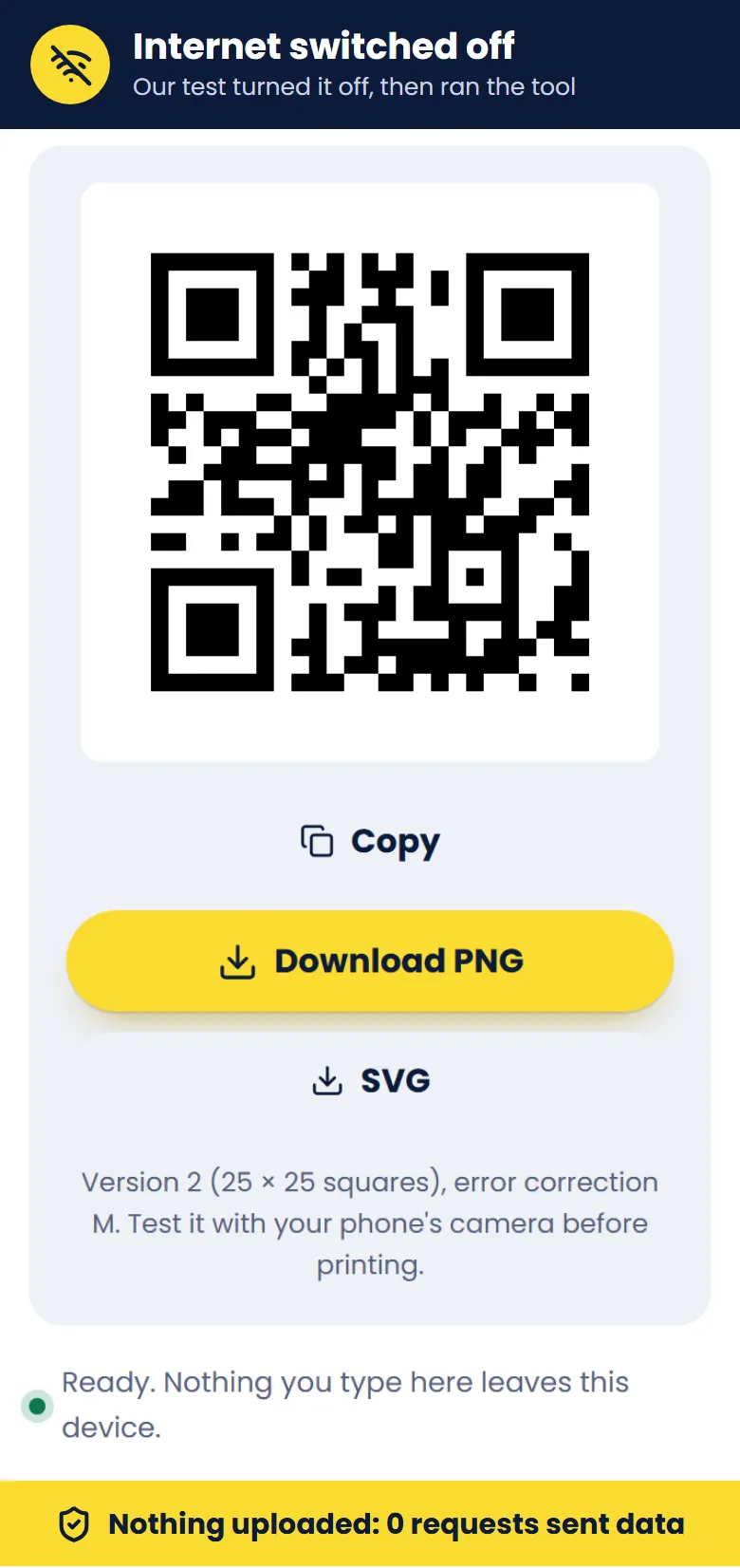
The code is worked out and drawn inside your browser. Nothing you type, not your Wi-Fi password, your number or your logo, is sent to us or kept by the page, and once loaded it works with the internet switched off. Because the code holds your link itself, scans go straight to your page: nobody in between sees or counts them. Google's ad code runs on the page too, but our code never gives it what you type. How we prove it shows how anyone can check.
Problems and fixes
- Phones won't read the printed code
- It is too small for the distance, the print is blurred, or the white border was trimmed. Print it bigger, with its border, from the SVG or the 2048 px PNG.
- "Use a dark code on a light background, with strong contrast"
- The colours are too close, or the code is lighter than its background. Darken the code or lighten the background.
- "That is too much for one QR code: make it shorter."
- The text doesn't fit even the biggest code. Put the details on a web page and make a code of its link.
- The phone joins the wrong Wi-Fi, or none
- The network's name or password differs by a capital, a space or a character. Copy them from the router's settings.
- The code works but opens the wrong page
- The link was typed with a mistake. Press Copy, paste the link into your browser to check it, then make the code again.
Limits
- Static codes only: a code can't be changed after printing, and scans aren't counted.
- Square dots and the standard corner squares only: no round dots or custom shapes, which some phones read less well anyway.
- One code at a time: no list of codes made in one go.
- A dark code on a light background only.
Other ways
- Chrome on Android and computers can show a QR code for the page you are on, from its Share menu.
- Android phones show a QR code for the Wi-Fi network they are on: Settings, Wi-Fi, the network, then Share.
- Design programs such as Canva have QR code features of their own.
This page does every kind of code in one place, with colours, a logo and SVG, on any device, without an account.
Terms explained
- QR code
- A square barcode that phones read with their camera; QR is short for Quick Response.
- Version
- A QR code's size, from 1 (21 by 21 squares) to 40 (177 by 177).
- Module
- One of the code's small squares.
- Quiet zone
- The white border around a code, four squares wide, that scanners need.
- Error correction
- Extra data that lets a code be read with part of it missing.
- Static and dynamic codes
- A static code holds your link itself; a dynamic one holds a link to someone else's server that forwards it.
- vCard
- The standard format for a contact card that phones add to their contacts.
- SSID
- A Wi-Fi network's name.