The quick answer
50% off and then an extra 20% off is 60% off in all, not 70%. The second discount is taken from the price that is left after the first, not from the original price. Say a pair of shoes is listed at ₹2,000 (an invented price). 50% off leaves ₹1,000. Then 20% off ₹1,000 takes off ₹200 more, leaving ₹800. You saved ₹1,200 out of ₹2,000, which is 60%.
If the two percentages simply added up to 70%, you would pay ₹600. The real price is ₹200 higher.
The quickest way to see it: 50% off means you pay 50% of the price, and 20% off means you pay 80% of what is left. Then 0.5 × 0.8 = 0.4, so you pay 40% of the original price and save the other 60%.
Discount Calculator does each step. Type the price and the first discount, then type the price it gives as the new price, with the second discount. It runs in your browser and has no upload step, so the prices you type are never sent anywhere. The guide's section on two discounts in a row shows the same idea with other numbers. This post is about decoding what sale banners say.
Why the percentages do not add
A percentage is always a share of some starting price. The first 50% is a share of the original ₹2,000. The second 20% is a share of ₹1,000, the price after the first discount. 20% of ₹1,000 is ₹200, not 20% of ₹2,000, which would be ₹400. So the second discount is worth 10 points of the original price, not 20: 50 + 10 = 60.
As a rule for two discounts of a% and b%, the single discount that does the same job is a + b − (a × b ÷ 100). With 50% and 20%: 50 + 20 − (50 × 20 ÷ 100) = 50 + 20 − 10 = 60. The guide's section on exams gives the same rule.
Worked on a price tag
Take a jacket listed at ₹2,499, with 50% off and then an extra 20% off:
- Type 2,499 and 50 in the Discount Calculator. The price after the discount is ₹1,249.50, and you save ₹1,249.50.
- Type 1,249.50 as the new price and 20 as the discount. The price after the discount is ₹999.60.
- Your total saving is 2,499 − 999.60 = ₹1,499.40, which is exactly 60% of 2,499.
The order of two percentages does not change the result. 20% first and then 50% also ends at ₹800 on a ₹2,000 item: ₹1,600 after 20%, and then half of that. Order matters only when a flat amount in rupees is involved, as a later section shows.
When the order does matter: a flat amount
A coupon often takes a flat amount off, such as ₹500, on top of a percentage. Now the order changes the price. Take an item listed at ₹3,000 with 20% off and a ₹500 coupon:
- Percentage first, coupon second: 20% off ₹3,000 leaves ₹2,400, and the coupon takes it to ₹1,900.
- Coupon first, percentage second: the coupon leaves ₹2,500, and 20% off that is ₹2,000.
The difference is ₹100, which is 20% of the ₹500 coupon. When the flat amount comes off first, the percentage then also cuts into it, so it is worth less. A flat amount is worth its full value only when it comes off last.
Which one applies is decided by the offer's terms, so check the price at the checkout. The Discount Calculator takes one percentage at a time, so for a flat amount, work out the percentage step in it and then subtract the coupon, or subtract the coupon first and then use the calculator, in the order the offer says.
“Up to 70% off” means some items
“Up to 70% off” is the top of a range, not a typical discount. It means that some items reach 70%, and the rest get less. Before you rely on the number, find the real discount of the item you want from its two price tags: (old price − new price) ÷ old price × 100. Three tags (invented) from one “up to 70% off” sale:
| Old tag | New tag | Real discount |
|---|---|---|
| ₹1,000 | ₹300 | 70% |
| ₹2,000 | ₹1,400 | 30% |
| ₹1,500 | ₹1,200 | 20% |
In the Percentage Calculator, choose “Percentage change” and type the old tag and the new one: it shows -70%, -30% and -20%, where the minus sign only means the price went down. Only the first row earns the headline. Two more things are worth a look. A struck-out price is the seller's own figure, so compare the price you would pay with other shops, not the size of the discount. The guide's section on reading a sale covers the other banners, and its section on raised prices explains why a discount is only as good as the price it starts from.
Rupees off or percent off: which is bigger?
A flat amount and a percentage are equal at one price, and which one wins depends on whether the item costs more or less than that price. To find it, divide the flat amount by the percentage and multiply by 100. For ₹300 off against 15% off: 300 ÷ 15 × 100 = ₹2,000. At ₹2,000, 15% is exactly ₹300.
- Below that price, the flat amount is bigger. On a ₹1,500 item, 15% is only ₹225.
- Above it, the percentage is bigger. On a ₹4,000 item, 15% is ₹600.
This is why a flat amount favours cheaper items and a percentage favours dearer ones. The guide's section on percentage or flat discounts works another pair of numbers.
Caps, bank offers, GST and price per kg
The sums above assume nothing limits the discount. Real offers often have a cap, and that changes the stack. Take a phone listed at ₹30,000 with 20% off and then a bank offer of “10% instant discount up to ₹1,500”:
- 20% off leaves ₹24,000.
- 10% of ₹24,000 would be ₹2,400, but the cap makes it ₹1,500, so you pay ₹22,500.
- Without the cap, the price would have been ₹21,600. Your real total discount is 25%, not 30%, and not the 28% that the two percentages alone would give.
The terms say which price the bank offer is worked out on and whether it needs a card or a minimum order. The guide's section on caps and coupons and its section on bank offers and cashback explain the rest, including why cashback is worth less than the same amount off the price.
Two more checks. First, shop prices and MRPs in India include GST, so a discount on the tag is a discount on the tax too; the guide's section on discounts and GST has the detail. Second, a bigger pack with a discount is not always cheaper per kilo. A 750 g pack listed at ₹600, with an extra 20% off, costs ₹480, which is ₹640 a kg. A 1 kg pack at ₹700 is ₹700 a kg, so the smaller pack wins here. The guide's section on price per unit says why the price per kg or litre is the fairest number to compare.
Working backwards from the price you want
Sometimes the question is the other way round: what extra discount gets an item down to my budget? Divide the price you want by the price after the first discount, and take the result from 1. The answer is the second discount.
Say an item is listed at ₹5,000 and has 40% off, so it costs ₹3,000. You want to pay ₹2,400. Then 2,400 ÷ 3,000 = 0.8, so you need an extra discount of 1 − 0.8 = 20%. Check it in the calculator: ₹3,000 with 20% off is ₹2,400.00. In the same way, if you only know the final price and the two discounts, you can find the listed price by dividing, as the guide's section on finding the original price shows, one discount at a time.
This is a useful way to answer a seller who says “I can give you a bit more off”. If you know the price you can pay, you know the percentage to ask for, and you can see how much of the listed price that really is.
A routine for any banner
- Write down each discount. For “50% + 20%”, that is 50 and 20.
- Turn each into what you pay. 50% off means you pay 50% (0.5), and 20% off means you pay 80% (0.8).
- Multiply them. 0.5 × 0.8 = 0.4, so you pay 40% of the starting price and save 60%.
- Apply caps and flat amounts in the order the offer gives.
- Check the starting price against other shops or an earlier date.
- Compare the final price, or the price per kg or litre, not the size of the percentage.
Step 3 also works for three or more discounts. 20% three times is 0.8 × 0.8 × 0.8 = 0.512, so you pay 51.2% and save 48.8%, as in the table above.
Try it: type the listed price and the first discount, then type the price it gives with the second discount.
Open the Discount Calculator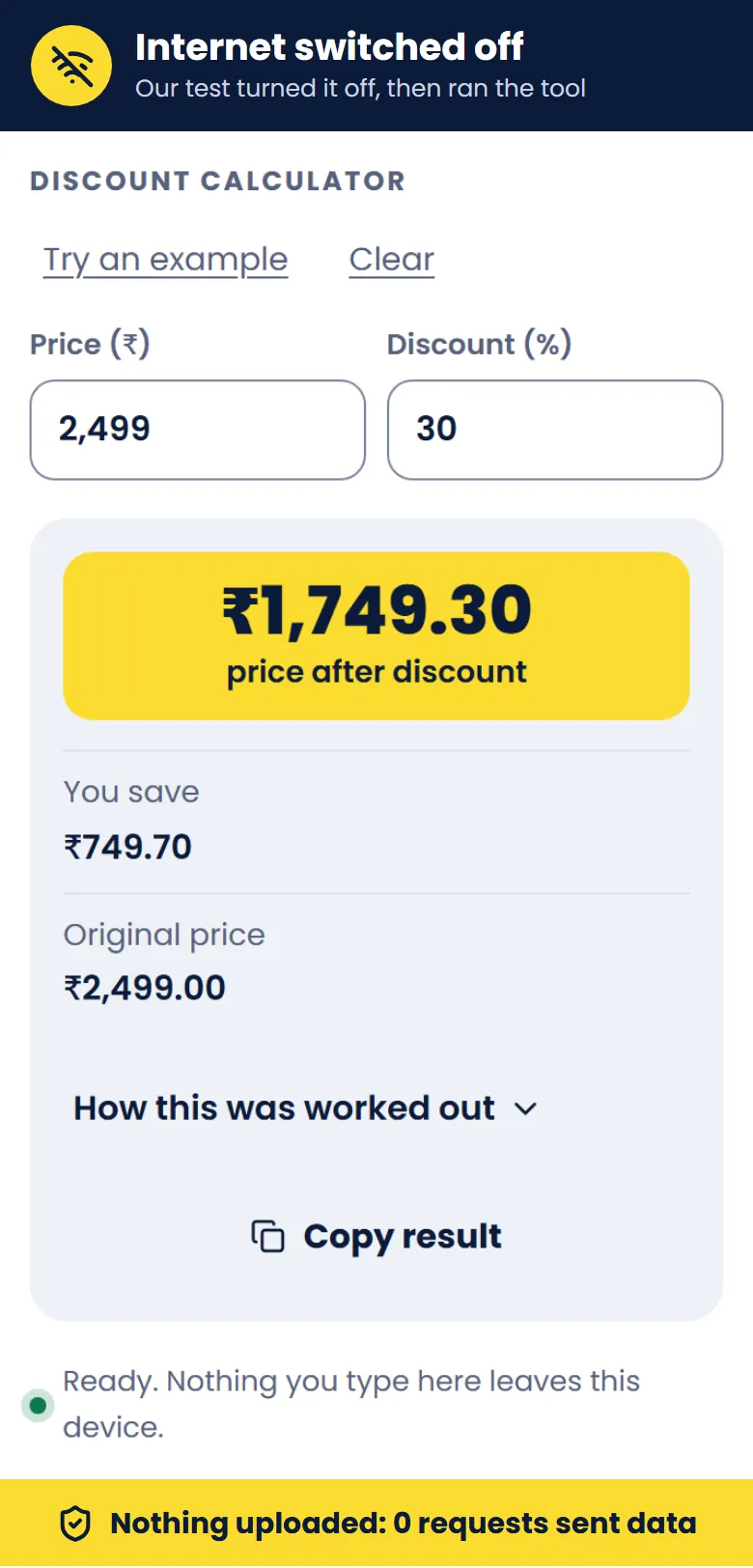
Discount Calculator, free and private: work out the price after a percentage discount and how much you save.
Open Discount Calculator