The quick answer
To find your age as on a date, count the whole years, then the whole months, then the days, from your date of birth to that date. For a form, the date is the cut-off date written in the notice. It is not today's date and not the date you apply. The first number, the completed years, is the age that most notices compare with their limits.
Say a person was born on 12 March 2001 (an invented date). On 1 August 2026 the age is 25 years, 4 months and 20 days: the 25th birthday was on 12 March 2026, four whole months have passed since, and 20 more days reach 1 August.
Age Calculator does the counting. Type the date of birth, change “Age on this date” to the cut-off date, and read the answer. Its Copy result button puts four lines on your clipboard, and the first is the one to keep: “Age on 1 August 2026: 25 years, 4 months, 20 days”. The calculator runs in your browser and has no upload step, so the dates you type are never sent anywhere.
The rest of this page covers how to read an age limit, birthdays on or near the cut-off date, 29 February and month-end births, three slips that change the answer, and a checklist. Every date and every person here is invented. The page names no real exam, because each notice sets its own limits, its own date and its own wording, and only your notice is right for your form.
Step by step: your age on the cut-off date
- Read the notice first. Find the cut-off date (often written as “as on” a date), the lowest and highest age, and any sentence about how age is counted.
- Type your date of birth as it is written on the document you will submit. Type the day and the year, and choose the month by its name.
- Change “Age on this date”. It starts with today's date. Type the cut-off date from the notice instead. If you want today again, “Use today's date” brings it back.
- Read the first number. It is the number of years you had completed on that date. The months and days beside it show how close you are to the next birthday.
- Keep a note. Copy result gives you the answer as text to paste into a message or a note.
Choosing the month by name matters more than it looks, as the slips section below shows. The guide's step by step adds the details, such as typing the year in Hindi or Tamil digits.
Reading “at least 18 and not more than 27”
A notice might say that applicants must be at least 18 and not more than 27 years old as on 1 August 2026. This is an invented example, and your notice will have its own numbers. It has three parts: the date, the lowest age and the highest age. Here are six people (all invented) and their ages on that date:
| Born | Age on 1 August 2026 | Completed years |
|---|---|---|
| 2 August 2008 | 17 years, 11 months, 30 days | 17 |
| 1 August 2008 | 18 years, 0 months, 0 days | 18 |
| 1 August 1999 | 27 years, 0 months, 0 days | 27 |
| 31 July 1999 | 27 years, 0 months, 1 day | 27 |
| 2 August 1998 | 27 years, 11 months, 30 days | 27 |
| 1 August 1998 | 28 years, 0 months, 0 days | 28 |
The lowest age
“At least 18” is the simpler half. The person born on 1 August 2008 has completed 18 years on the cut-off date itself, because the birthday counts on the day it comes. The person born one day later is 17 years, 11 months and 30 days old, one day short.
The highest age
“Not more than 27” is where wording matters. The middle three people all have 27 completed years, but they are not the same age: one is exactly 27, one is 27 and a day, and one is a day short of 28. A notice may mean “has not completed 28 years”, in which case the person born on 2 August 1998 is inside the limit and the one born on 1 August 1998 is not. Another notice may mean “not older than 27 years”, in which case only the person born on 1 August 1999 or later is inside it.
The calculator cannot tell you which reading your notice uses. What it does is give the full age, in years, months and days, so you can test your date of birth against either wording. If the notice does not make the wording clear, look for an example in it, or ask the office that issued it.
Relaxations
Some notices allow extra years for some groups or for service. This is called a relaxation, and the notice says who gets it and how it is added to the limit. The calculator does not add it. Work out the plain age first, then apply the notice's relaxation by hand. The guide's cut-off section lists what only the notice can decide.
Born on or near the cut-off date
A single day can move a person from inside a limit to outside it, as the table above shows. If your date of birth is within a few days of the cut-off date, take a little more care:
- Check the months and days, not only the years. “17 years, 11 months, 30 days” and “18 years, 0 months, 0 days” are a day apart.
- Use the Next birthday line to see how near you are. For the person born on 2 August 2008, it reads: Sunday, 2 August 2026, in 1 day, turning 18. The birthday falls the day after the cut-off date.
- Type your date of birth from the right document. If two documents show dates a day apart, the notice, or the office that issued it, decides which one counts. A calculator cannot settle that.
- Do not round. 17 years, 11 months and 30 days is not 18. Whether a near miss is allowed is the notice's call, not arithmetic.
If your result is close to a limit, do not rely on any tool, this one included. Read the exact sentence in the notice, and ask if you are unsure.
Born on 29 February, or at the end of a month
Someone born on 29 February has a birthday on that date only in a leap year. This calculator counts the birthday on 28 February in a year that is not a leap year, and on 29 February in a leap year. It says so under the answer. Here is a person born on 29 February 2000 (invented):
| Age on | Age |
|---|---|
| 27 February 2018 | 17 years, 11 months, 29 days |
| 28 February 2018 | 18 years, 0 months, 0 days |
| 1 March 2018 | 18 years, 0 months, 1 day |
| 28 February 2020 | 19 years, 11 months, 30 days |
| 29 February 2020 | 20 years, 0 months, 0 days |
The two rules differ for one day in a year that is not a leap year. On 28 February 2018 this calculator says the 18th birthday has come. A rule that counts 29 February births on 1 March would say it is a day away. If your cut-off date is a 28 February, check which rule your notice follows, and follow the notice. The guide's 29 February section has the reasoning.
Births on the 30th or 31st
Months have different lengths, so one question comes up for someone born on a 30th or 31st: what is one month after 31 January? This calculator uses the last day of a shorter month, so one month after 31 January is 28 February (29 in a leap year). The person born on 31 January 2008 is therefore 18 years, 1 month and 0 days old on 28 February 2026. This only changes the months and days at the end of a short month. The completed years are the same under either way of counting, so an age limit in years is not affected. The guide's month-ends section has a table.
Three slips that change the answer
Using today's date instead of the cut-off date
The calculator starts with today's date, which is right for a birthday count and wrong for a form. Say a person was born on 15 August 1999. On a cut-off date of 1 August 2026 the age is 26 years, 11 months and 17 days, so 26 completed years. If the same person worked it out on 20 August 2026, the day of applying, the age would be 27 years, 0 months and 5 days, so 27. The limit applies to the age on the cut-off date, and the day you apply does not matter.
Subtracting the years only
Subtracting the birth year from the cut-off year ignores the month and the day. For a person born on 15 December 1999 and a cut-off date of 1 August 2026, 2026 minus 1999 is 27. The true age is 26 years, 7 months and 17 days, because the 27th birthday in December has not come yet. Subtracting years gives a number that is one too high for everyone whose birthday has not yet come by the cut-off date.
Day and month the wrong way round
A date written 03/08/2008 can mean 3 August 2008 (day first) or 8 March 2008 (month first), and the two give different answers on 1 August 2026:
- 3 August 2008: 17 years, 11 months, 29 days. Not yet 18.
- 8 March 2008: 18 years, 4 months, 24 days. Already 18.
That is why the calculator asks you to choose the month by its name. If you are unsure how a document writes dates, look at another date on it with a day above 12, or at a month printed in words. Then pick the month by name.
Smaller slips
- Typing a two-digit year. 95 or 199 is not a year the page can use. It asks for four digits, like 1995.
- Using the exam date or the notice date as the cut-off date, when the notice names another one.
- Forgetting a relaxation, or adding one the notice does not give you.
A checklist before you submit
- The cut-off date is copied from your own notice, not from memory or a friend's message.
- The limits and their wording are read in full: the lowest age, the highest age, and whether the highest one counts completed years.
- The date of birth matches the document you will upload or show.
- The month is chosen by name, so day and month cannot swap.
- Months and days are checked if you are within a few days of a limit.
- Any relaxation is applied by hand, as the notice says.
For the other dates on a notice, Days Between Dates counts the days left until the last date to apply, with the weekdays among them, and Add Days to Date finds the date a number of days or months from another.
When your age fits, the form may also ask for papers under a size. Resize PDF, Compress PDF to 100 KB and Compress PDF to 200 KB make a PDF fit, on your own device.
Try it: type your date of birth, then the cut-off date from your notice, and read the years, months and days.
Open the Age Calculator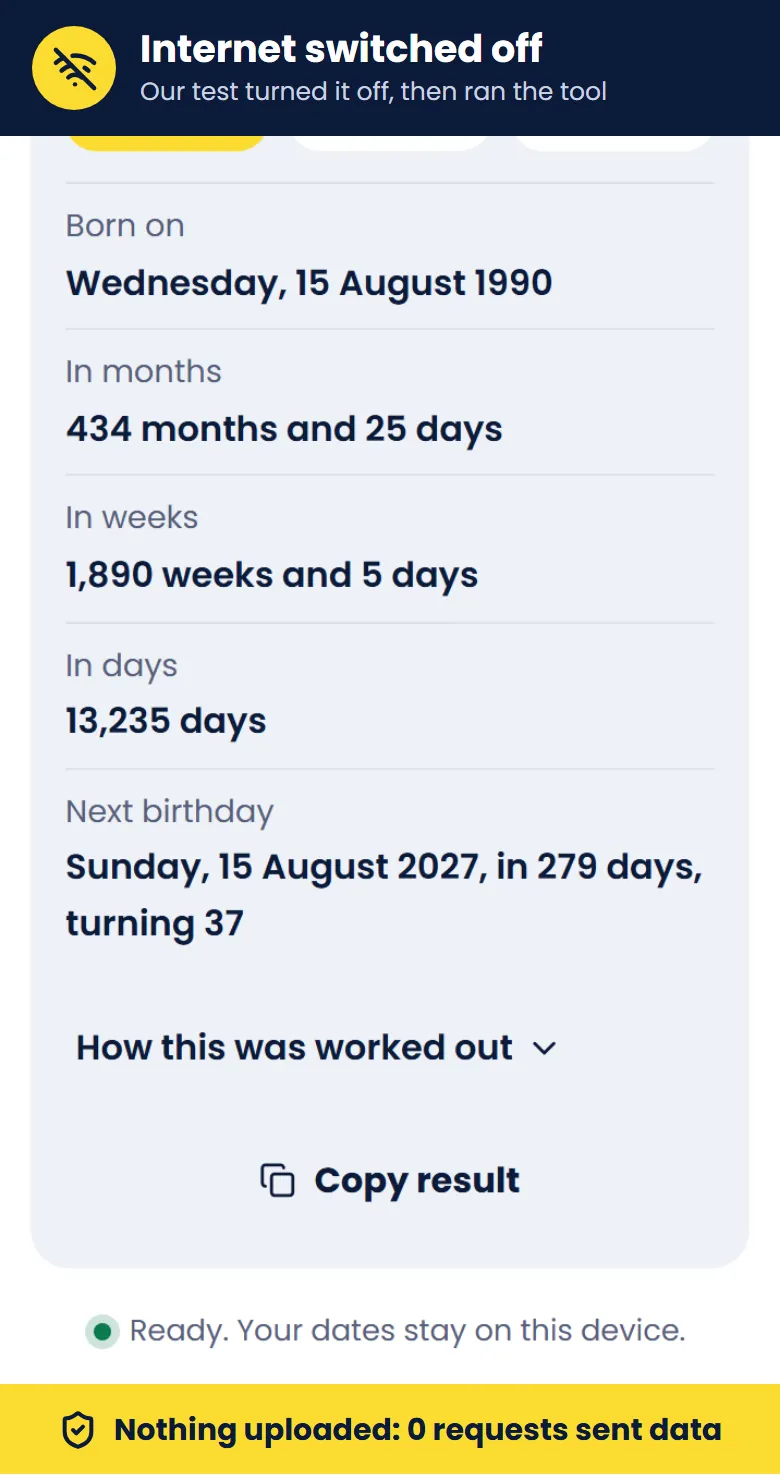
Age Calculator, free and private: find an age in years, months and days on today's date or on an exam's cut-off date.
Open Age Calculator